

When you install Windows or Office 2010, you need to activate your license online and each time you reinstall on the same PC, you need to again reactivate the keys. But there is a limit to which you can activate the same license on the same PC. In such cases you can try Advanced Tokens Manager, which is a freeware tool and it will create a complete backup of your Windows and Office 2010 activation, so that you can restore them when you re-install your system.
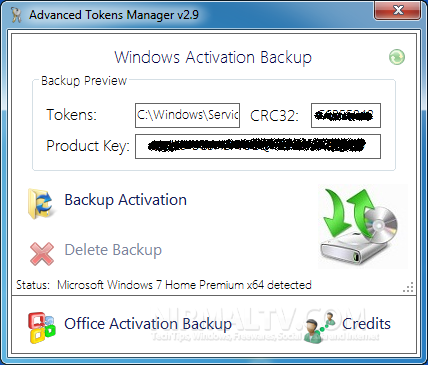
You need to run this portable tool, preferable run it from a newly created folder. Click on the backup Activation button and the app will store the activation for Windows and Office 2010. At any time you can restore it back when you are reinstalling it.
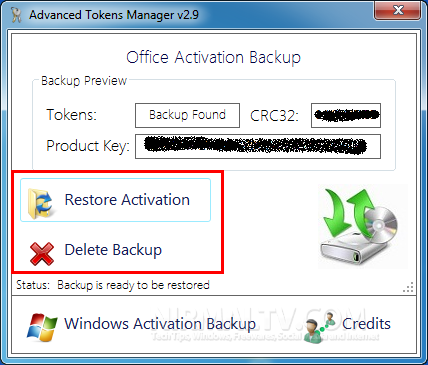
After you take a backup, make sure you that the following files are kept safely.
- Executable
- Backup Folder
The app is compatible only with all versions of Windows Vista / Windows 7, Server Versions, 6.0 and 6.1 Kernel , Office 2010 – All Service Pack. You cannot restore the backup to another machine with a different hardware, in such cases Windows will ask for activation.
Features:
- For Windows and Office, backup all license files, working with any license channel’s
- Virus FREE, no external programs required [ .NET Framework only ], solid EXE
- Dynamic interface
- Very lightweight and fast
- Coded with security features
- Less than 30 seconds is estimated to restore your activation
Download Advanced Tokens Manager








It works for me. Backup everything in outlook. Great for OS reinstallation.
Nice Post , Thanks for Posting sir What about Deep freezer ? data freezing software ? (: