There are lots of tutorials available on the internet in the form of webpages for almost all categories and sections and you might want to save these to your desktop for future. Joliprint is an nice Firefox add-on for converting your webpage into PDF file and also for printing it. The Joliprint Firefox Add-on makes it easy to save and print all the great articles you see online. You can turn full pages into sharp looking PDF, including title, text, images, author, category, no ads, no navigation menu with a single click.
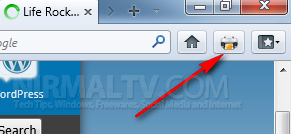
Once installed, you can see a small icon on the toolbar which has the look of a printer. Clicking on the button will generate the PDF file of the selected web page. You can pick a single page article, a multi-pages article, or select a Google Reader, Instapaper or ReadItLater list and click the add-on.
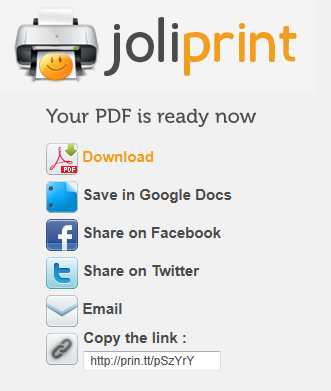
Once the PDF is generated, you can download it or save into Google docs. The advantage of Joliprint it that it can neatly convert webpages into PDF and removes all the ads from the pages.
Download Joliprint for Firefox