With the release of new Windows Live Hotmail, there were quite a lot of additions apart from the new interface and one of them was the integration of Bing with Hotmail. With the new Hotmail, you can now easily insert any maps in your email using Bing Maps. When you create a new email, you can now easily insert maps of any location using Bing Maps. You can search for any location without having to leave the email.
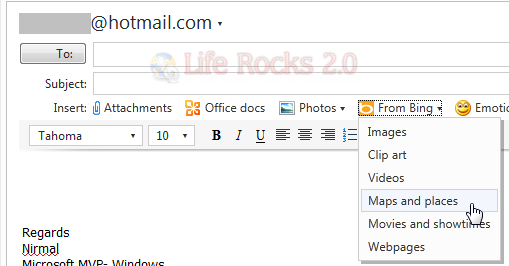
In the new email window, click on the From Bing option and select Maps and places. This will open a box on the right side of your email. Here the location populated by default is the location available in your Windows Live profile. You can search for any location without having to leave the compose window.
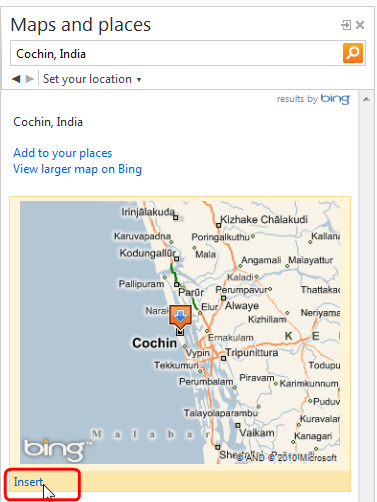
Use the Insert link at the bottom of the map to insert it into the email. The map integrates itself neatly to your email.
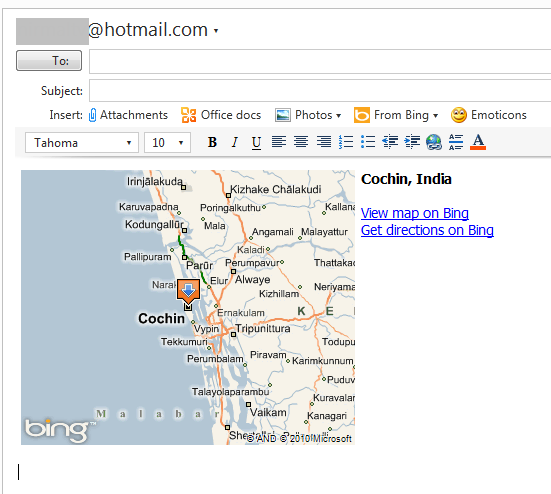
This is a nice way to share your location through email with Bing Maps.