

Windows 7 is already a success for Microsoft with millions of copies of it sold ever since its release. If you want to try out Windows 7 from an USB drive, then you can use the portable Windows 7 SBB Tool. This tool allows you to select any removable device and make a Windows 7 boot. Although commonly used for USB, it can be used for SD cards as well, as long as your BIOS support it. You can quickly make a bootable Windows 7 USB device using this small utility.
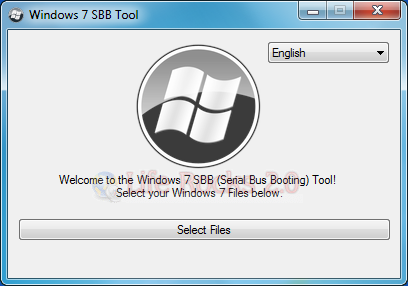
You just need to specify the location where the files are saved. Windows 7 files need to be in extracted format, ISO format is not supported by this tool. It will automatically detect the connected USB and then copy the files.
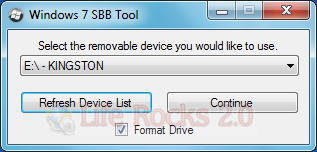
Windows 7 SBB is the simplest of tools to create a bootable USB drive for Windows 7.








thanks, did not know about this program