

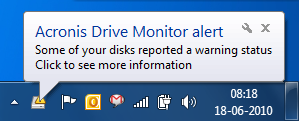
Hard disk failure are a known problem and it is very difficult when you do not have a back up of your data in situations where your hard disk has crashed. With Acronis Drive Monitor, you can keep a watch on hard disk and it will report any issues found. It can be used to monitor server, workstation and PC hard disk drives. When Acronis Drive Monitor sees a problem, it immediately generates an email or onscreen alert describing the specific finding.
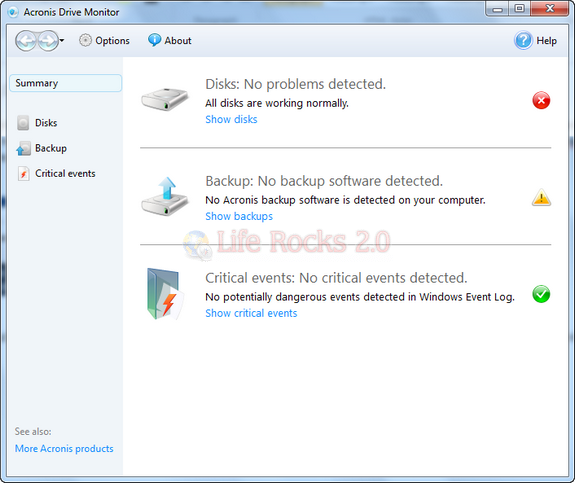
The tool will run from system tray and shows any alerts or notifications.
It checks your hard drives based on three parameters.
1. State and health of physical drive (including temperature, seek error rate, spin-up time and more than 20 other indicators) via a disk-resident monitoring function called S.M.A.R.T
2. Critical events that may indicate an increased risk for data safety, even when S.M.A.R.T. output data shows no abnormalities. These include: logical file system corruptions on NTFS and FAT file systems, corruption of dynamic disk logical structure, failed read or write operations that might indicate faulty hardware or drivers, and Volume Shadow Copy service failures.
3. If there is no back up plan set for your hard disk.
Acronis Drive Monitor is a useful tool to monitor and warn you of any issues reported for your hard drive.
Download Acronis Drive Monitor








Thanks Bhai. Nice share. I plan to use it.
I have earlier used HDDlife.
Thanks, Grr