

The Aero desktop experience in Windows 7 features a translucent glass design with subtle window animations and new window colors. It includes distinctive visual styles that combine the appearance of lightweight, translucent windows with powerful graphic advances. For some reasons these effects might not work in Windows 7. This article tells you how to troubleshoot problems in Windows 7 Aero experience.
To start troubleshooting, Open Control Panel-> All Control Panel Items and select Troubleshoot option.
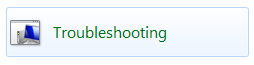
Inside the troubleshoot options, click on “Display Aero desktop Effects”

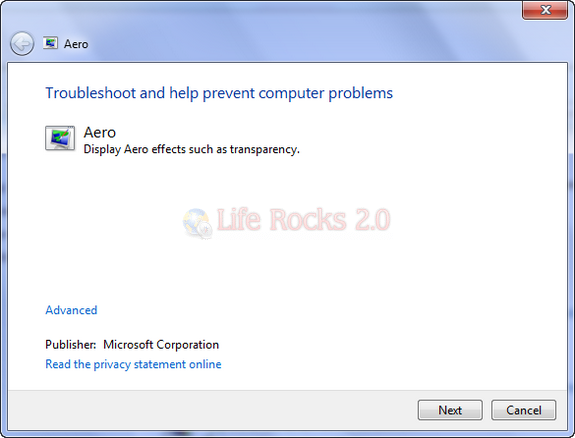
This will open the Aero troubleshooter. Click the next button. Alternatively you can also ask the troubleshooter to automatically fix for issues by clicking the advanced link.
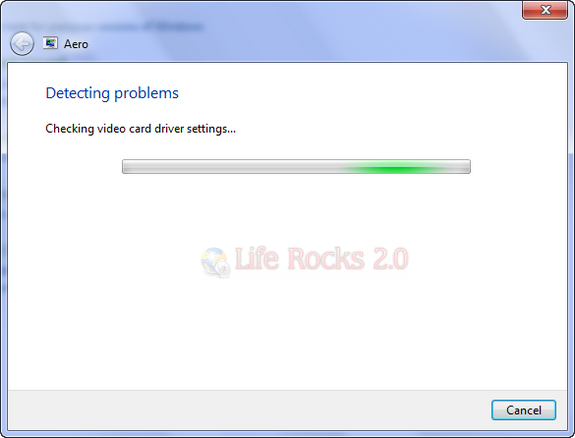
Windows 7 will check for any issues which is preventing Aero effects from working.
Once the problem detection is complete, any issues found are displayed.
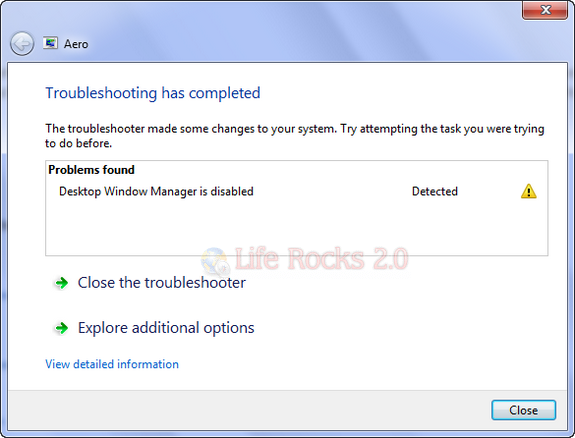
In case you have selected to fix automatically, it will fix all the issues possible or else you need to fix the issues mentioned.


I know How to troubleshoot, the problem is I have to do it every time I turn my computer on! Everytime I turn off it turns of the desktop manager and then cannot cope with the customised color and reverts to defult when I turn it back on. I then have to troubleshoot, and have had no luck finding a solution.
Regards Bethan.