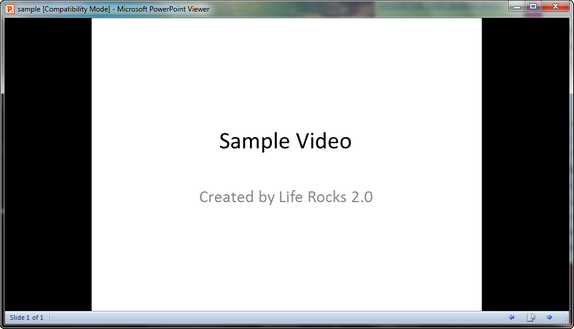
PowerPoint 2010 is a powerful presentation tool from Office 2010, but people who have not installed Office suite might not be able to open and view PowerPoint files. Microsoft has released a PowerPoint Viewer which allows users who do not have Office installed on their PCs to view PowerPoint presentation. PowerPoint Viewer lets you view full-featured presentations created in PowerPoint 97 and later versions.
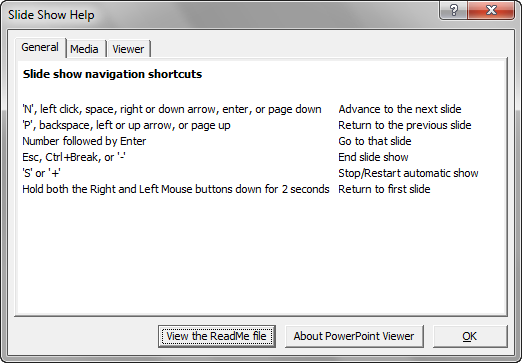
Right click on any slide and click on the help to get the navigational shortcuts for the PowerPoint viewer.
This viewer also supports opening password-protected Microsoft PowerPoint presentations. You can view and print presentations, but you cannot edit them in the PowerPoint Viewer. PowerPoint Viewer registers with the .ppt, .pptx, .pptm, .pot, .potx, .potm, .pps, .ppsx and .ppsm file extensions only if a version of PowerPoint is not installed on your computer. If registered, double-clicking on these file types will launch PowerPoint Viewer.
Related: Microsoft Visio 2010 Viewer
The download size of this tool is 60MB and it works on Windows XP and later.