

There are various Google Web application which you might be using daily, although you need to login only once for accessing these applications (in case you are using the same browser), but opening these web pages each time might not be an easy task. TrayOS is the perfect solution for this. TrayOS brings all the Google web applications to desktop. With TrayOS, you can access GMail, Google Calendar, Reader, Adsense, Adwords, Maps, Docs, Picasa and more.
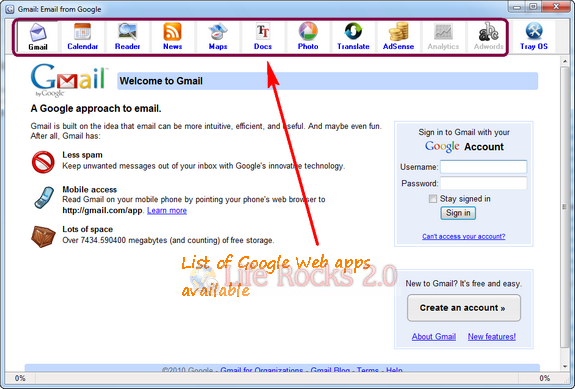
Basically TrayOS is a web browser which has all the links to the Google web application and you can easily swtich between them using the tabs. The settings page allows you to configure which application needs to be shown and also which one needs to be auto started.
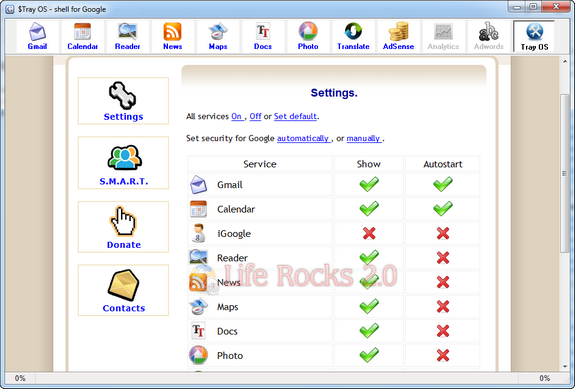
You can also rearrange the tabs in the top panel by dragging it.







