

When you buy a branded PC with Windows 7, it comes with OEM information. But if you are installing Windows yourself, then the OEM information options are blank. We had covered a simple tool, OEM Info Tool to change OEM information and now we have another free tool which can edit the OEM information on your computer. SevenOEMInfoChanger allows you to make changes to your computer info.
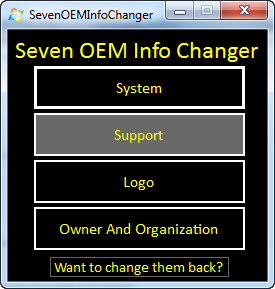
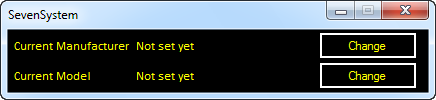
With this tool, you can change you computers manufacturer, model, owner, organization, support hours, URL, phone and logo. When you click on any of the options, you will be prompted to enter the details.
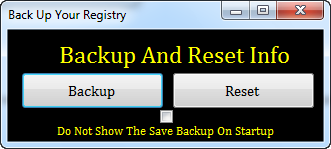
In any case you want to revert it back, then there is a back up option, which does the back up of registry settings. You can restore your old OEM information using the restore option.
This tool is portable and does not require any installation and runs in admin mode by default.








Thats a very useful tool. Acer doesnt come with Windows, so I had to purchase it for my mom’s laptop. Will try this on that computer.