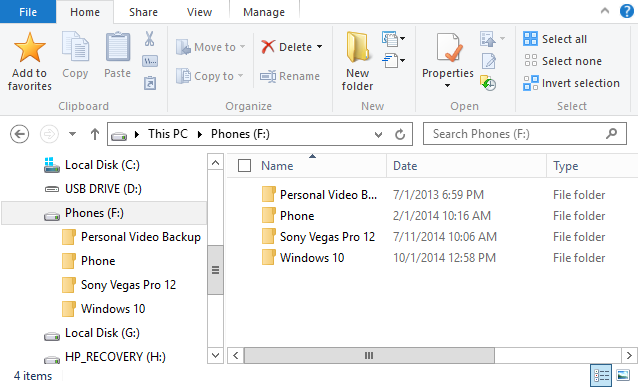
When it comes to applying third party themes in Windows 7, you need to patch the system files using Universal Theme patcher. Most of the third party themes also contain custom Windows Explorer which can change the look and feel of the default Explorer in Windows 7. For this, you need to take a back up of Explorer.exe and then manually replace it in Windows installation folder. Explorer patcher was made in order to remove the hassle of manually replacing ‘explorer.exe’ when installing new Windows 7 Visual Styles.
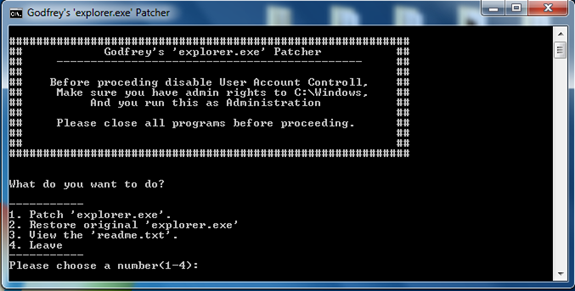
It can patch the ‘explorer.exe’ and restore the original ‘explorer.exe’. It also creates a System Restore Point before changing any files to ensure you have a way to fix your computer if it fails miserably.
Files included;
- DirectoryPatchx64explorer.exe
- DirectoryPatchx86explorer.exe
- DirectoryPatchCreateRestore.vbs
- DirectoryPatchExplorerPatcher(x64-x86)
It will detect your OS version and install the appropriate patch and CreateRestore.vbs will do the task of creating System restore point. This patcher should be useful when installing third party custom themes with explorer files.