

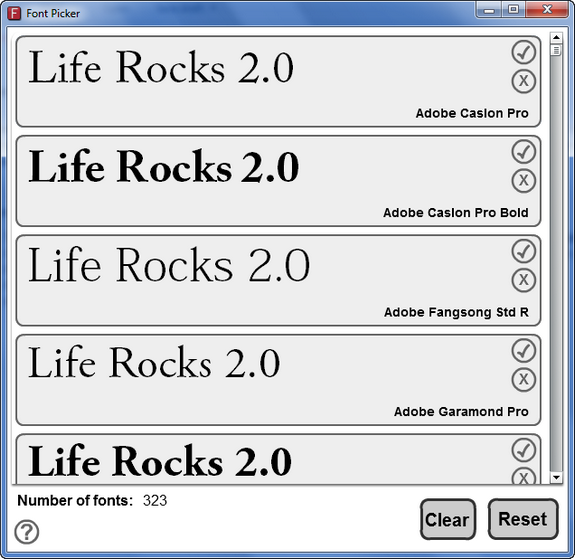
We have written about a freeware tool called sFont which is a font viewer for Windows. Here is another tool which is also a font viewer for Windows. Font Picker will display all the installed fonts on your Windows and allows you to preview the fonts with the text selected by you. You can also remove any font from the preview list so that you can shortlist any suitable font with your own text. Font Viewer is Adobe Air based application, so you will need Air run time to use this application.
Features;
- Select the text in one of the boxes and type the text you will be using for your project. For example the name of your web site.
- Get rid of the fonts that don’t like by pressing the x next to them so you are left with a smaller list of fonts to choose from.
- Press the tick next to a font to mark a font as a favorite (press tick again to deselect).
- Press ‘Clear’ to remove all unselected fonts.
- Press ‘Reset’ if you want to start again.






