

BlackBerry Master Control Program (MCP) is a power tool for management of BlackBerry devices designed for basic, moderate and advanced users. With MCP you can easily load/save/erase any module you want, take screenshots of your device, turn the radio on or off, synchronize the time on your device to your PC, reset to factory settings (remove IT policies), perform a handheld wipe, factory reset, load, save and erase modules and many more features.
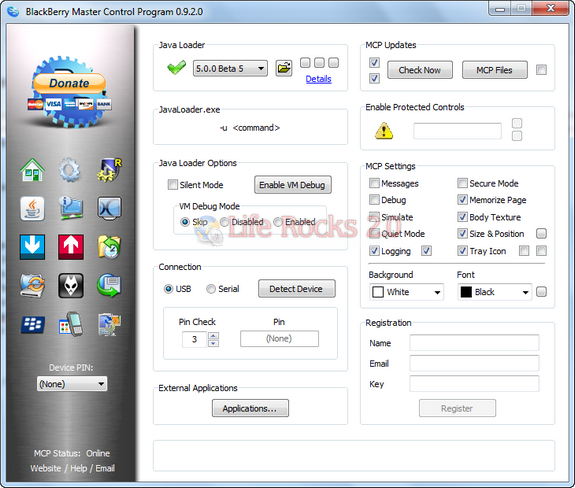
The Operating System Management page allows you to completely manage and optimize any OS you want to install on your device.
Features of MCP
- Manages multiple USB Devices.
- Performs ALL Java Loader commands and ALL Java Loader options – 100% – graphically.
- Upgrade/Downgrade to any device OS that is installed on your computer – without having to uninstall other OS’s.
- Relocates OS files to the same locations as CrackMem, so you can switch between MCP or CrackMem at will.
- MCP is available via Windows Control Panel after installation.
- Easy to access shortcuts to the most common BlackBerry tools.
- Available in PortableApps and Stand Alone version.
- Backup & Restore 3rd Party Apps
- Create ALX/JAD files
This tool is also available in portable version, so that carry in USB drives.
Download BlackBerry Master Control Program






