

We have covered a free utility which can speak any selected text from any websites. Read2Me is another free tool which can read out text which is input to the application. Read2Me is an open-source text-to-speech software, with which a computer can read text aloud. The tool has a text-to-speech interface, including a stand alone interface and a converter to save the speech to an MP3. In case you want to save the speech, then you can convert it to MP3 format.
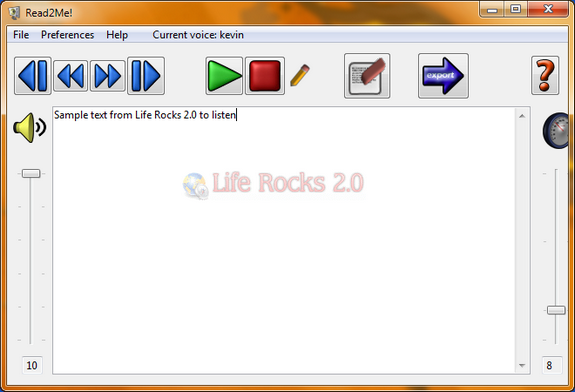
You need to select text from any application, be it browsers or documents and then paste it in the application windows. You can start the speech by clicking the play button. Once the speech is started, you cannot edit the text.
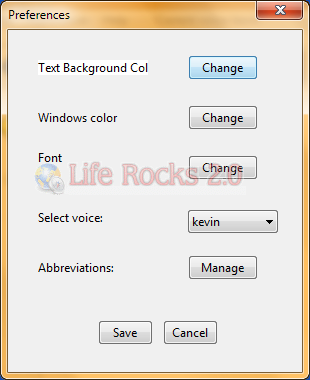
You can change the settings including background color, font and also voice to speak. There are 3 in build Windows voices and additional voices are available for download. The in build MP3 converter will help you to save the speech to your desktop.






