

Once you have installed Windows 7, you will need to activate the copy of Windows 7 within 30 days. Activation helps verify that Windows on your computer is genuine and that it has not been used on more computers than the Microsoft Software License Terms allow. In this way, activation helps prevent software counterfeiting. You can activate Windows 7 either online or though phone. Activating online is very simple and in case it fails you can try activating through phone. Open Control Panel-> All Control Panel Items-> System and you can see the activation status of your Windows 7 at the bottom.
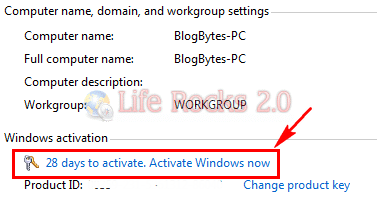
Click on Activate Windows now link and select “Activate Windows Online Now” option.
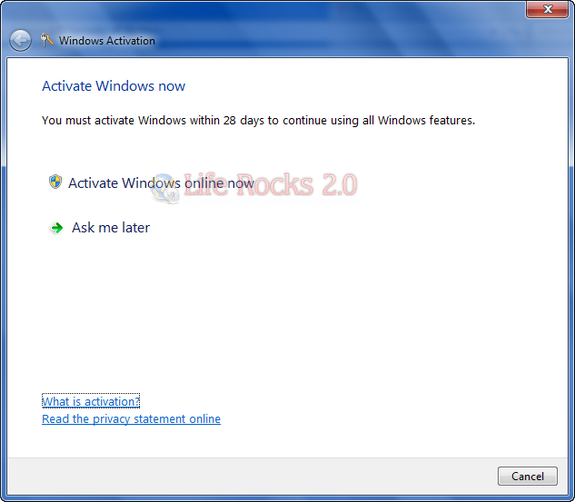
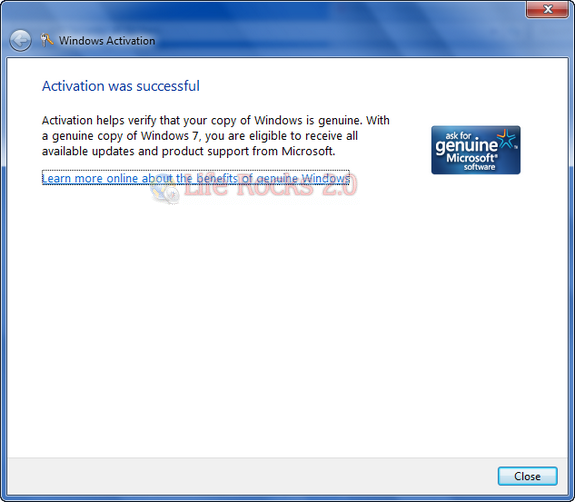
System will connect inline and verify your product keys and activate it online, once done you get the confirmation that it is activated.
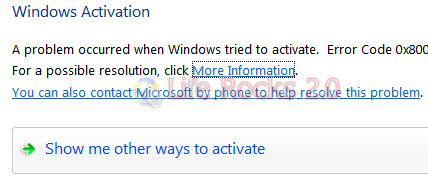
In any case online activation fails, you can try activation through phone. Click on Show me other ways to activate and select “Use the Automated Phone System” option in the next step.
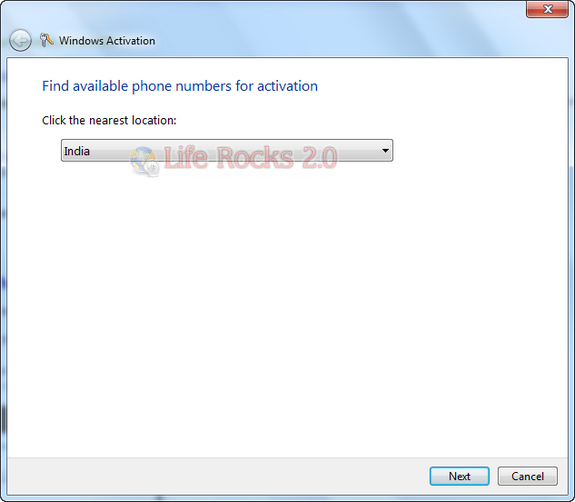
Select the nearest location using the drop down menu in next step and click the next button.
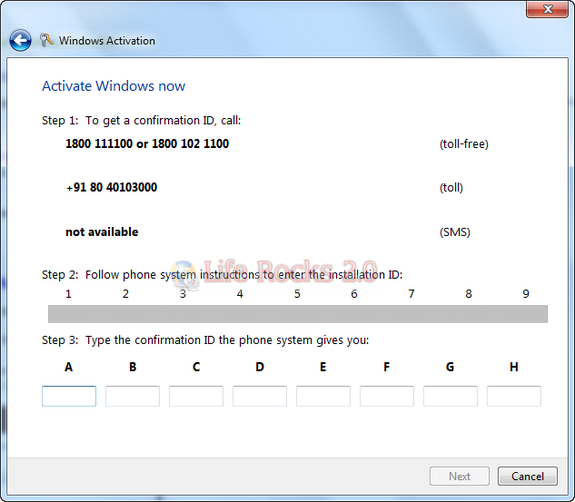
In the next step you will be provided with a toll free number where you need to call in and enter the installation ID which consist of numbers in sets from 1 to 9. You will get the confirmation ID from the phone system and you will need to enter them in the boxes A-H.
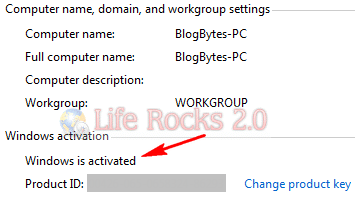
If the activation was successful, you will be shown with a confirmation screen. Once activated, you can check the status in the system information in control panel.


I own an OEM Win 7 professional, but the link “activate windows” is not working. I clicked on it, nothing happens. I try to run activate by the command line, by searching for “activate” or typing slui 4, nothing happens. Something wrong with my copie of windows?
Any tips for this is appreciated.
really good webpage (not).
HOW/WHERE do you “activate” — without using the info above?
example… when you get the message already 30 days too late,
then there IS NO PLACE TO CLICK to do the activate,
and not on the menu, etc…
hmmmmmmmmm
It easy … try this
http://computersolut.blogspot.com/2010/11/how-to-activate-your-windows-7.html
How to activate Windows 7?
The best way to do that is Chew-WGA, EASY to use (simple steps,some clicks to finish),
works on all versions (Ultimate, Professional, Home premium, etc.)
Download here: http://fileups.net/19Q9L
More info: http://www.youtube.com/watch?v=m24LKZnd8mA
—
Or use other program called Windows 7 Loader
Download here: http://fileups.net/1Ho3o
More info: http://www.youtube.com/watch?v=WGqJhxfVdXg