

Fast Folder.JPG is a free tool which can assign any image you choose to the covers of your folders. You can easily drag and drop the images folder and this utility will scan through all the images available and also allows you to select an image for creation of Folder.JPG file. The image you select is automatically resized and named, leaving the original image intact.
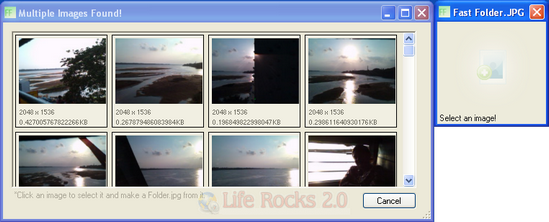
Once you drag the folder into the utility, it creates a thumbnail of all images in the folder and the cover can be selected from this list. This utility is helpful if you want to create folder covers for your photos and you have large number of folder. Creating folder cover using the properties tab in Windows explorer is a painful task if the number of folders are large.
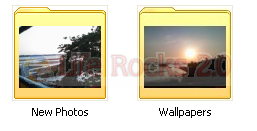
If a single image is dragged and dropped into Fast Folder JPG it is used as that folders image. You will not be able to create folder covers without having an image in the folder using this application.








I want to sent photos images all in one folder How?