

FoxArc Screen Capture is a free and easy-to-use capture tool created for taking screenshots. Unlike other free screenshot application, FoxArc has some good features for screen capture. With FoxArc, you can capture anything on the screen including rectangular / ellipse regions, windows, objects, full screen. FoxArc Screen Capture saves picture files in JPG, BMP, PCX, PNG, PNM and TIFF formats.
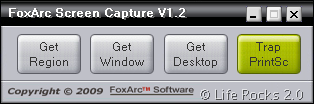
The application window is very small and has 4 options for screen capture. Once you select any option, it displays the formats for capture. When selecting a region for capture, it shows a window where in you can preview the region it in bigger size. It also shows the coordinates of the screen.
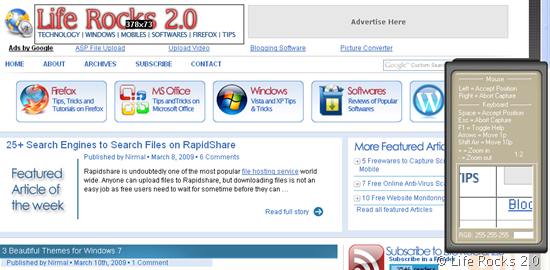
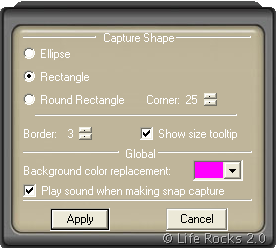
In the region or window capture, you can also make the region as ellipse instead of the default rectangle size. This can be enabled with the right click options while screen capture.
FoxArc is a good screen capture software which is free, but having said this, the application did show some slowness in responding when window capture was selected.








