

Bluetooth Auto Lock is a gadget for Windows Vista which can automatically locks the computer when the selected Bluetooth device is out of range. The Bluetooth device is paired with the PC and as soon as the device is out of range, it will automatically lock the computer to make it secure and inaccessible to others. This is also useful in case you receive a call when using the computer and you walk away from the PC without locking it.
To use this gadget, you need to first pair the device with the PC. To do this open Control panel and navigate to Hardware and Sound and select Bluetooth Devices. Alternatively you can enter Bluetooth devices in the Vista Start Menu search.
Once you have paired the device and PC, you can start using Bluetooth Auto Lock. The Bluetooth Auto Lock will show up in the list of gadget in Vista.
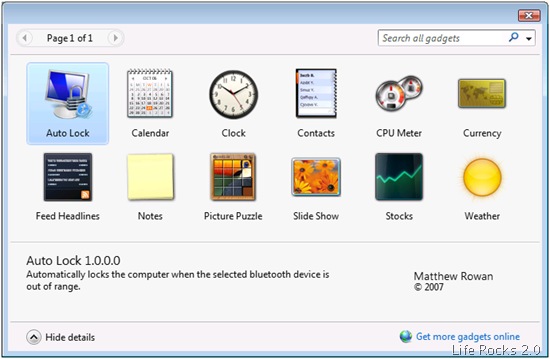
When the gadget is added to sidebar and when the device is paired, you can select the paired device in the Bluetooth Auto Lock.
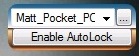
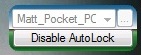
Now once you have selected the device and the auto lock is enabled, when your Bluetooth device goes out of range your computer will automatically lock.








It jusy lock/unlock but anyway to start the desktop login you need to enter password. for those who use password, here is rohos logon – http://www.rohos.com/bluetooth_logon.htm . it works since logon screen. and completelly replaces password with bluetooth device/