

YouTube is the favorite site for videos and you get videos for almost everything you search. Many times you find the videos you were searching, but the length of the videos are large and you don’t want to see or share the complete video. Splicd is a free online service to split YouTube videos for sharing to friends or posting to social networks like Facebook. Splicd is a very good service and pretty useful as well.
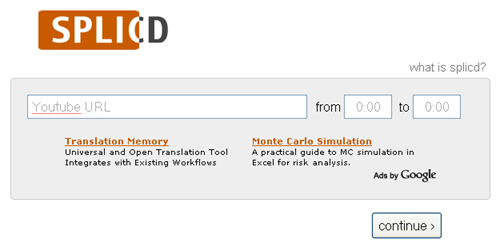
To split a video and share it, just enter the YouTube video URL and chose the time frame for which you want to show the movie. Once you click Continue button Splicd generates an URL where the video will play only from the time you selected. You can always see the complete video by clicking the view original link which will lead to YouTube.
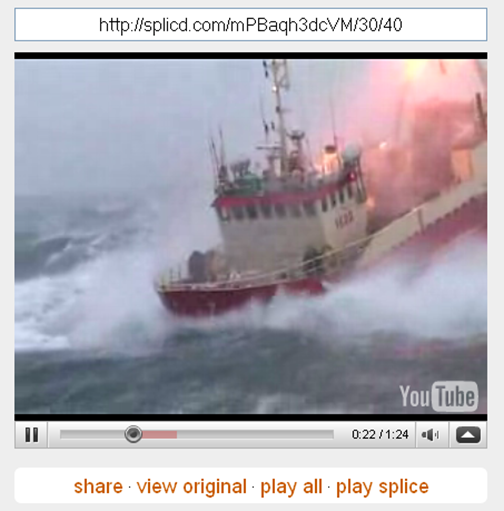
Splicd is a very useful tool to split YouTube videos online and splitting process is simple as well.








It’s a definite useful tool, sometimes when I source videos from YouTube I don’t want to share the entire thing, this will help to share only relevant parts.
This is really nice stuff. I am sure it will be good to split some videos of mine.
keep going on!
Excellent internet site – But I think there may be one thing wrong with the rss feed. Just needed to let you know.