

Microsoft Sysinternals team has developed another free application which can create Virtual desktops for Windows. The application called Desktops, allows you to organize your applications on up to four virtual desktops. This utility is only 62Kb and does not require any installation.
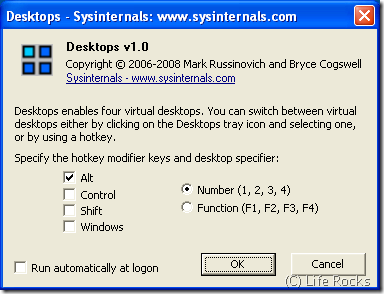
With Desktops, you can read email on one, browse the web on the second, and do work in your productivity software on the third and so on. There is no configuration required and by default the hotkey is ALT + number (1,2,3 or 4). You can change it as shown in the image above. The application runs in the system tray and desktop can be selected by right clicking the application in the system tray.
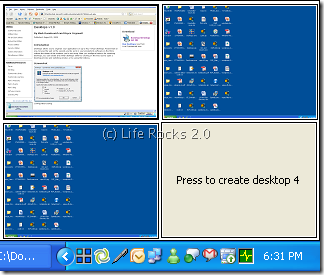
This application works with Windows Vista as well.








When you try out virtual desktop apps, check their stability. I have some experience with some that will crash when you have a lot of apps opened.
Currently, I am using Linux – which has this feature by default.
Thanks.., just what I am looking for, small, fast, reliable, and did i mention it is small and fast?