

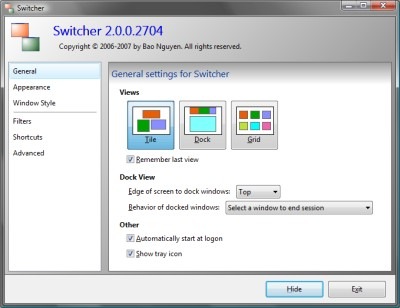
Switcher is a free application which can give more control over your open windows in Vista. Switcher allows you to See all your windows on one screen, quickly search through them, even decorate them with your favorite colors and fonts. Switcher runs in taskbar and will start whenever Windows starts. Once Switcher is running, press Windows+~ to begin switching between windows.
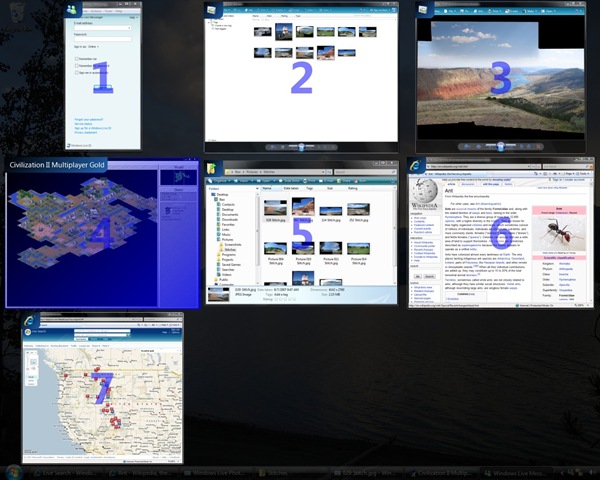
In case you have lots of windows open, you can search for windows. Start typing the text of the window you’re trying to find. A search box will automatically appear, and the windows will move and hide themselves until only the ones matching your text appear.
Switcher also allows you to select and adjust fonts, colors, sizes, and positions. You can also change the shortcut for switching windows.








Looks cool but I use Dexpose which is also quite a good alternative if you want to quickly switch windows.